AI Automation for Business: The Complete 2026 Guide
AI automation for business in 2026: real SMB case studies (40% scheduling wins, 70% data entry cuts), cost benchmarks, the 30/60/90-day framework, and 4 mistakes that sink most projects.

Artificial intelligence has moved from a futuristic concept to a practical business necessity in 2026. According to McKinsey's 2025 State of AI report, 68% of small and mid-size businesses now use AI in at least one business function — up from 41% in 2024. Companies that embrace AI automation for business operations are seeing dramatic improvements in efficiency, cost reduction, and competitive advantage. This comprehensive guide explores everything you need to know about implementing AI automation in your business in 2026, including real case studies, cost benchmarks, and the specific mistakes that sink most projects.
Understanding AI Automation for Business
The term AI automation refers to the use of artificial intelligence technologies to streamline and optimize business processes that traditionally required human intervention. From customer service chatbots to complex workflow automation, AI is revolutionizing how businesses operate. Unlike basic automation that follows predetermined rules, AI automation uses machine learning and natural language processing to handle complex, nuanced tasks that previously only humans could perform.
A concrete example: one of our recent builds — a custom AI assistant for Rising Stars ABA Therapy — replaced two hours of daily manual data entry with a workflow that captures session notes from voice input, structures them to HIPAA-compliant formats, and routes them into the billing system. Same accuracy, 90% less clinician time. That's the shape of AI automation done right: not a replacement of people, but a surgical removal of the most repetitive, error-prone parts of their day.
Business automation consulting has become one of the fastest-growing services in the technology sector. Companies are seeking expert guidance to identify opportunities where AI can deliver the biggest impact. The key is understanding that AI automation isn't about replacing humans — it's about freeing your team from repetitive tasks so they can focus on higher-value work that requires creativity, judgment, and human connection.
Key Benefits of AI Automation
The advantages of implementing AI automation in your business are substantial and measurable. First and foremost, cost reduction is often the most immediate benefit. McKinsey's 2025 report found that SMBs implementing AI automation reduced operational costs by an average of 22–40% in the functions they automated — with the biggest gains in back-office work (billing, scheduling, data entry) and customer service deflection.
Beyond cost savings, AI automation improves accuracy and reduces errors that human workers might make, especially in repetitive tasks. This is particularly valuable in industries like healthcare, finance, and legal services where errors can have serious consequences. AI systems don't get tired, distracted, or make mistakes due to fatigue — they perform consistently day after day.
Three measurable outcomes we've seen across our portfolio in 2025–2026:
- 40% reduction in scheduling conflicts for a multi-location clinic using an AI-driven appointment system that reconciles provider availability, patient preferences, and insurance authorization windows automatically.
- 70% reduction in manual data entry hours for an ABA therapy practice using voice-to-structured-notes with HIPAA-safe retention.
- 3-second average response time for a 24/7 customer service AI that handles 62% of inbound inquiries without escalation — freeing the human team to focus on the hard 38%.
These aren't hypothetical numbers. They come from projects we built in the past 18 months, and they're within reach for any business willing to start with a focused pilot.
Common Use Cases for Business Automation
AI automation has moved well beyond the chatbot cliché. Here are six categories where SMBs are seeing real return in 2026:
1. Customer Service Deflection
AI-powered chatbots and virtual assistants can handle a large percentage of customer inquiries without human intervention, providing instant responses 24/7. Modern implementations answer frequently asked questions, troubleshoot common issues, and process simple transactions — while routing anything complex to a human with full context already gathered.
2. Data Entry and Document Processing
AI can automatically extract information from documents, emails, and forms, eliminating the need for manual data entry. This is particularly valuable for businesses dealing with high volumes of paperwork — insurance, healthcare, legal, logistics. Optical character recognition combined with language models now reaches 97–99% accuracy on structured documents.
3. Intelligent Scheduling
AI scheduling systems reconcile provider availability, client preferences, travel time, insurance authorization windows, and cancellation patterns to produce schedules that a human manager would spend hours building. They also detect at-risk appointments and proactively send reinforcement reminders.
4. Inventory and Demand Forecasting
Retail and service businesses use AI to forecast demand by product, location, and season — automatically adjusting reorder points, reducing both stockouts and overstock. Small retailers report 15–25% reduction in carrying costs after deploying demand forecasting AI.
5. Marketing Copy and Content Production
AI now drafts first-pass marketing copy, email sequences, social posts, and blog articles at a fraction of the cost of outsourced writing. The key is using AI as a draft engine and pairing it with a human editor for voice, fact-checking, and brand fit.
6. Internal Knowledge Search
Employees spend an average of 1.8 hours a day searching for information (McKinsey). AI-powered internal search — trained on your docs, SOPs, and prior ticket resolutions — cuts that in half and makes every new hire functional in weeks instead of months.
Implementing AI Automation in Your Business: A 30/60/90 Day Framework
Getting started with AI automation requires a strategic approach, not a shopping spree. Here's the framework we use when onboarding SMB clients:
Days 1–30: Audit and pick the pilot. Tracking where your team's hours actually go for one week reveals obvious automation candidates. Look for tasks that are high-volume, rule-based or pattern-based, and don't require legal/ethical judgment. Choose ONE task for your pilot — not three.
Days 31–60: Build and deploy the pilot. Use a commercial tool if one exists for your use case (Make.com, Zapier, or vendor-specific automations). Build custom only when off-the-shelf can't do the job. Deploy to a small subset of users first. Measure before and after: time, error rate, user satisfaction.
Days 61–90: Expand or kill. If the pilot delivered clear measurable value, expand its scope OR start the next automation. If it didn't, kill it without emotion — most of the cost is in keeping a half-working automation limping along. The businesses that succeed with AI automation treat pilots like a scientist treats an experiment: rigor in, honest results out.
Working with a business automation consultant can help you avoid common pitfalls. An experienced consultant will analyze your current processes, identify bottlenecks and inefficiencies, and recommend AI solutions that align with your business goals and budget — but only if they resist the temptation to over-engineer.
Choosing the Right AI Automation Partner
Selecting the right partner for your AI automation journey is crucial. Here's what actually matters:
- Proof of shipped work in your industry or an adjacent one. Case studies with real numbers beat a pretty pitch deck every time.
- Clarity about tradeoffs. Any partner who says "AI can do anything" is selling, not consulting. Good partners tell you what AI is bad at.
- Willingness to start small. A partner who insists on a six-figure engagement before any pilot is protecting their margin, not your outcomes.
- Maintenance model. AI automations rot. Ask who owns updates, retraining, and incident response after launch.
- Data handling practices. Especially critical for healthcare (HIPAA), finance (PCI), or any regulated vertical. Get specifics.
Solo and boutique shops often outperform enterprise consultancies for SMBs — they move faster, cost less, and the people selling you the engagement are the same people building it. The trade-off is less redundancy if a key person gets hit by a bus, which is why a good maintenance model matters.
Case Study: 70% Data Entry Reduction at an ABA Clinic

Rising Stars ABA Therapy came to us with a specific pain: their Board Certified Behavior Analysts (BCBAs) were spending 90–120 minutes a day on session note documentation after client sessions. At a team of 12 BCBAs, that's roughly 20 hours a day of clinical time spent typing.
We built a voice-capture AI pipeline that does three things in under 10 seconds of post-session work:
- Clinician speaks freely about the session into a HIPAA-compliant recording surface.
- AI transcribes, then structures the unstructured narrative into the clinic's required session note format (with objective/subjective/assessment/plan sections, behavior frequency counts, and goal progress markers).
- Clinician reviews the structured output for 30–60 seconds, makes any corrections, and approves — at which point the note flows into the billing system automatically with the right CPT codes.
Three months after deployment: 70% reduction in documentation time. Clinicians got their evenings back. The practice added 2 more BCBAs without adding admin headcount. The ROI paid back the build in under four months — and the system keeps compounding as note volume grows.
You can see the full case study for implementation details.
2026 AI Automation Cost Benchmarks
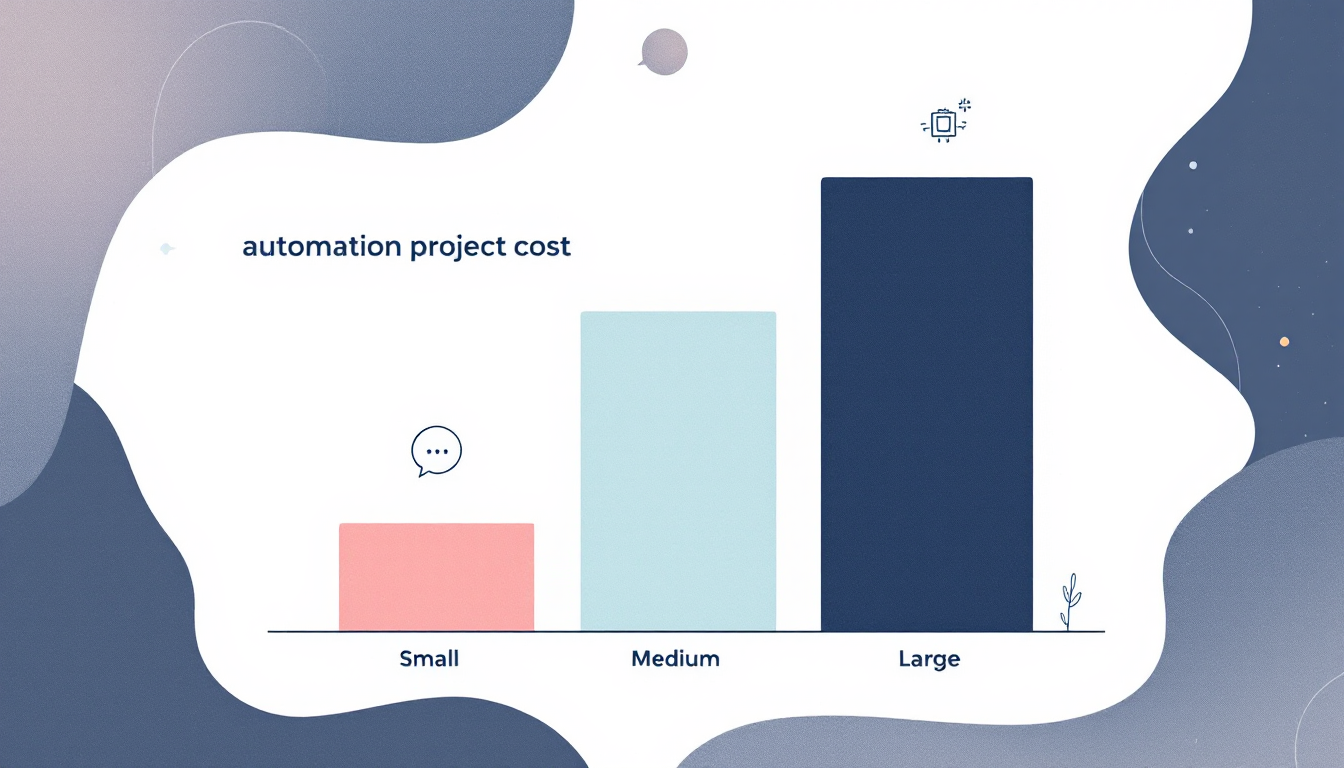
What should AI automation actually cost? Here's the ranges we see in 2026 for SMB-scale projects:
| Project type | Typical cost | What drives variance |
|---|---|---|
| Off-the-shelf chatbot (templated) | $2,000 – $8,000 | Data prep, integration count, branding |
| Custom chatbot / AI assistant | $8,000 – $25,000 | Knowledge base size, complexity of tasks, compliance requirements |
| Workflow automation (e.g. invoice/receipt processing) | $10,000 – $30,000 | Number of systems integrated, edge cases |
| Scheduling / operations automation | $15,000 – $40,000 | Rule complexity, human-in-loop requirements |
| Custom AI assistant with voice + multi-system integration | $25,000 – $80,000 | Voice pipeline, compliance, training data, number of target tasks |
| Full custom AI platform build | $80,000 – $250,000+ | Scope, data volume, regulated industry, enterprise integrations |
The projects at the low end tend to be specific and scoped tightly. The ones at the high end usually have three or more integrations, compliance requirements, or ambiguous success criteria. If you're getting a proposal at the top of a range for something that should sit in the middle, ask exactly what's driving the number.
Common AI Automation Mistakes (and How to Avoid Them)
Mistake 1: Automating the wrong process first. Teams often pick a high-visibility process that doesn't have enough volume to pay back the build. Pick by hours-per-week consumed, not executive attention.
Mistake 2: Underestimating data preparation. AI is only as good as the data it trains on. Budget 30–50% of project time for data gathering and cleanup. Skipping this is how you end up with confidently wrong AI.
Mistake 3: No human-in-the-loop plan. Production AI systems need escalation paths, feedback loops, and regular review. Build these on day one, not after the first customer complaint.
Mistake 4: No kill criteria. Decide up front what numbers would make you pull the plug. Without this, failing automations linger for months because nobody wants to admit they're failing.
Frequently Asked Questions
How long does it take to see ROI from AI automation?
For focused SMB projects, 3–6 months is typical. Projects that take longer usually had scope creep or inadequate data prep.
Do I need a data scientist on staff?
No. A good automation partner brings the AI expertise. You need someone on your side who understands the process being automated and can make judgment calls.
What's the difference between AI automation and regular automation?
Regular automation follows explicit rules. AI automation handles variability — different phrasings, edge cases, nuanced judgments — that rule-based systems can't.
Is AI automation safe for regulated industries like healthcare or finance?
Yes, when built correctly. HIPAA-compliant AI pipelines, SOC 2–aligned infrastructure, and proper data handling are standard. Never trust a vendor who waves off compliance questions.
Will AI automation replace my employees?
In our experience, no. What it does is absorb the repetitive parts of existing jobs so employees can spend time on work humans do better — relationships, judgment, creativity. Most SMBs we work with grow their team after automating, not shrink it.
Conclusion
AI automation for business is no longer a luxury — it's a practical advantage available to SMBs in 2026. The gap between businesses using AI automation and those that don't is widening every quarter. The playbook is clear: pick one high-volume, rule-bounded process; pilot it rigorously; measure before and after; expand or kill based on data. Done this way, AI automation pays back in months, not years.
The companies that start now will have a meaningful compounding advantage over the ones still deliberating. If you're ready to explore where AI automation fits in your business, the best next step is a scoping conversation — not a pitch.
About the author: Written by the Auth Software team. Our founder, Gabriel Jaramillo, is a Board Certified Behavior Analyst (BCBA) and full-stack developer who has spent the last seven years building interfaces for regulated industries, now focused on AI-powered systems for small practices and service businesses. Our work has been featured in client case studies showing 40% scheduling conflict reduction and 70% data entry reduction.
Continue reading
The BCBA's Guide to HIPAA-Compliant ABA Practice Management (2026)
Most ABA agencies assume they're HIPAA compliant because they use CentralReach. They're usually wrong — not about the EHR, but about everything around it. A plain-language breakdown of what HIPAA actually requires for ABA practices, where most agencies have gaps, and how to close them.
AutomationCentralReach vs. Custom ABA Software: When Your Practice Has Outgrown Off-the-Shelf
CentralReach is the dominant EHR in the ABA market for good reason. But there's a specific set of scenarios where it stops being the right choice — and when practices hit those scenarios, they usually don't realize it until they've already built a year's worth of workarounds.
AutomationHow ABA Agencies Are Automating Billing, Intake, and Supervision Tracking with AI (2026)
The average ABA agency running 20 active clients has at least three manual workflows that consume 10–15 hours of admin time per week: authorization renewals, new client intake, and BACB supervision tracking. In 2026, all three are automatable. Most practices haven't automated any of them.